Hotel Management
You inherit a modest lodge in Pebble Town—your new home and a refuge for animals from around the world.
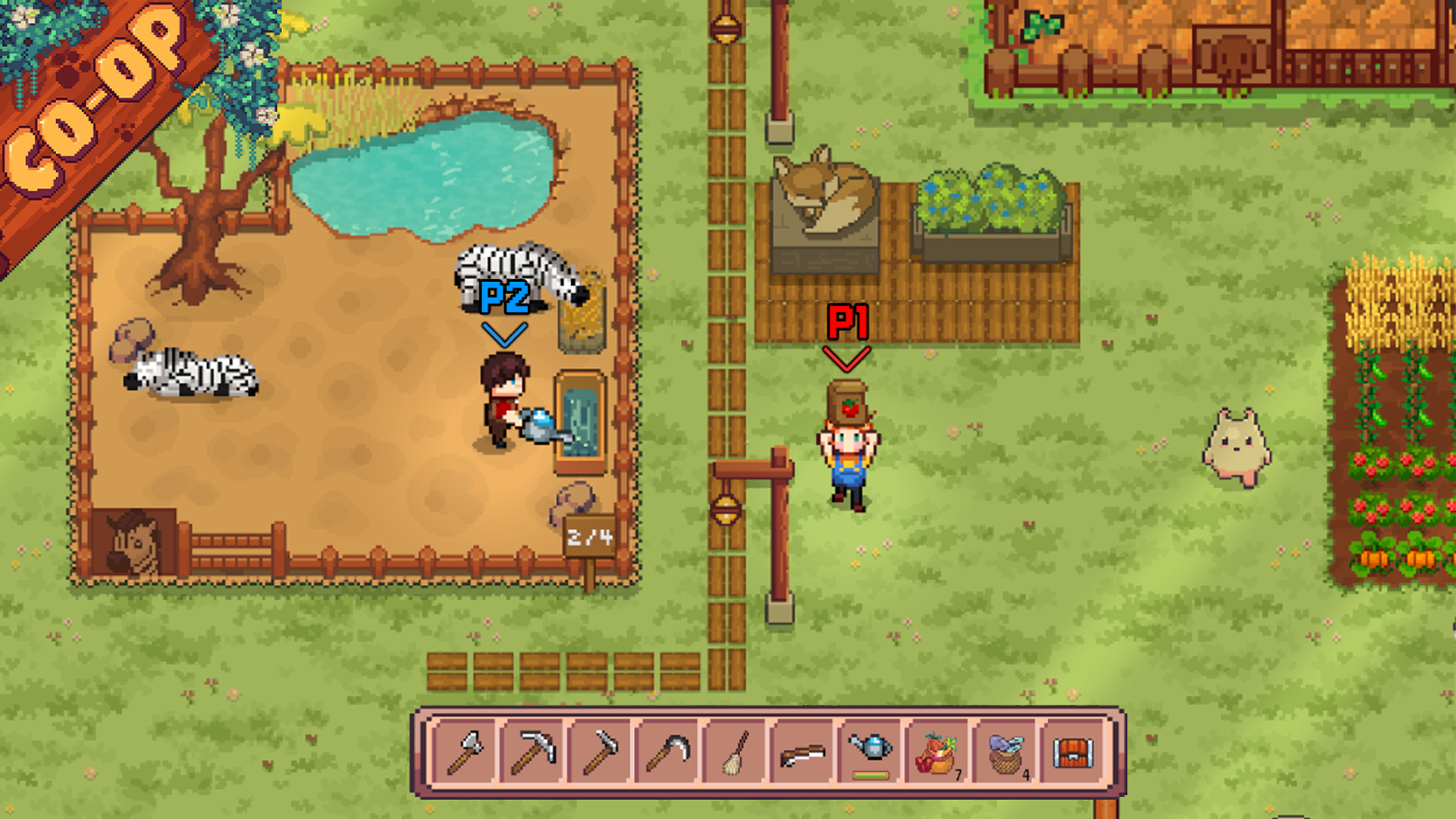
Early Access supports 25+ species. Customize your indoor office and outdoor habitats while balancing guest care, farming, crafting, and village life. The free Steam demo remains available if you want to learn the resort-management loop before buying.
Start BuildingRoom Upgrades
Improve office access and add species habitats as needed. A larger-looking room does not replace a matching outdoor habitat or stocked bowls.
Purchase or craft furniture and supplies as quests and income allow. Expand gradually so your daily routine stays manageable.
Revenue & Currency
Money flows in from guest stays, villager quests, and items you craft or sell.
Put earnings back into furniture, supplies, and habitats before chasing decorations.
Guest Satisfaction
Every guest has three daily needs: hunger, cleanliness, and happiness. Check them before chasing other tasks.
Feed hungry guests, keep rooms and habitats clean, and calm moods when spirits drop. Happy guests keep your income steady through their stay.
Daily Care Loop
The rescued Little Creature helps with stocked feed and, in v1.2, water. Check its food panel and storage; guest happiness, cleaning and pickup still need your attention.
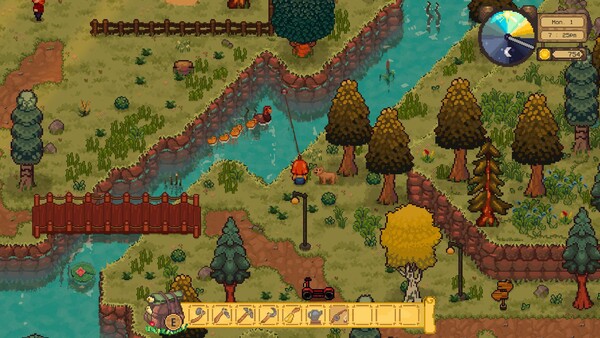
As more animals check in, feeding, cleaning, farming, and story quests stack up fast. Use your scooter to cross the large map, and build a daily routine before taking on too many guests at once.
Resort Progression
Suggested order from first guest to village story—use it as a roadmap, not a record of your save.
Welcome your first animal guest and learn the care basics.
Set up indoor office space and your first outdoor pens.
Complete stays and quests for a reliable income loop.
Add habitats and supplies to handle more species.
Follow the village storyline while keeping the hotel running.
Growth Goals
Work through these goals at your own pace once your first guest has checked in.
Complete a guest stay and a villager quest to see how money and items flow in.
Purchase or craft basics for feeding and cleaning before decorating for looks.
Prepare for a new species so the next guest does not catch you off guard.
Grow crops and craft items that support meals, cleaning, and villager requests.
Layout Tips
Small layout choices save time across every in-game day. These habits help most players in the demo and Early Access.
Place kitchen or prep areas close to where guests eat so you spend less time running back and forth.
Keep gates and bowls reachable. Solve blocked access before moving animals according to guessed noise or personality rules.
The map is large; clear paths between office, habitats, field, and town cut down travel time.
Add rooms or habitats only when your current routine feels manageable.
Happy guests keep income steady; sideline story tasks if moods are dropping.
How to Raise Guest Satisfaction
Check hunger, cleanliness and happiness to diagnose a low rating. Fix the need actually shown instead of changing species neighbours or buying furniture at random.
Keep registration, feed storage and your busiest habitat on a short walking loop. Before moving furniture, check that you can reach the bowls and guide animals without blocked paths.
Match each guest to its species habitat. Check tomorrow’s agenda before buying another blueprint: a new species also needs its own feed and another cleaning stop.
Include the broom in your feeding round. Check each habitat’s cleanliness indicator, clean the mess you find, then inspect happiness separately.
Decorate after food, water and cleaning supplies are secure. Furniture does not replace care; check guest needs before spending the money reserved for tomorrow’s feed.
Check after check-in, before a long trip and before pickup. Lead a newly registered guest into its habitat, then interact again to stop it following you.
Before expanding, compare guest payments, used feed and tomorrow’s bookings. Reserve money for normal supplies rather than relying on race winnings.
Before buying another habitat, read its current unlocked blueprint price and the costs of the feed/supplies it will need. Reserve active quest hand-ins and one normal care refill. Expand only if your remaining materials and cash cover the build plus the added routine. To decide, subtract those reserves from what you hold, then compare the balance with the displayed build and care costs; use your save’s numbers, not an assumed payback day.
Before pickup, read the office notebook, identify the booked animal and clear its route to the counter. When the owner arrives, interact with that animal to lead it back and complete the handover; the Little Creature does not deliver pets. If an owner leaves despite your immediate response, this has been reported by players, but no confirmed fix or exact patience timer is available here. Keep the next route short and report the version, pickup time and steps to the developer; do not rebuild the resort on a guessed cure.